
Reduce the weight.
Keep the value.
Shrink hundreds of photos in one go, including iPhone HEIC, right on your own phone or computer. Nothing is uploaded, nothing needs an account, and once installed it works with no internet.
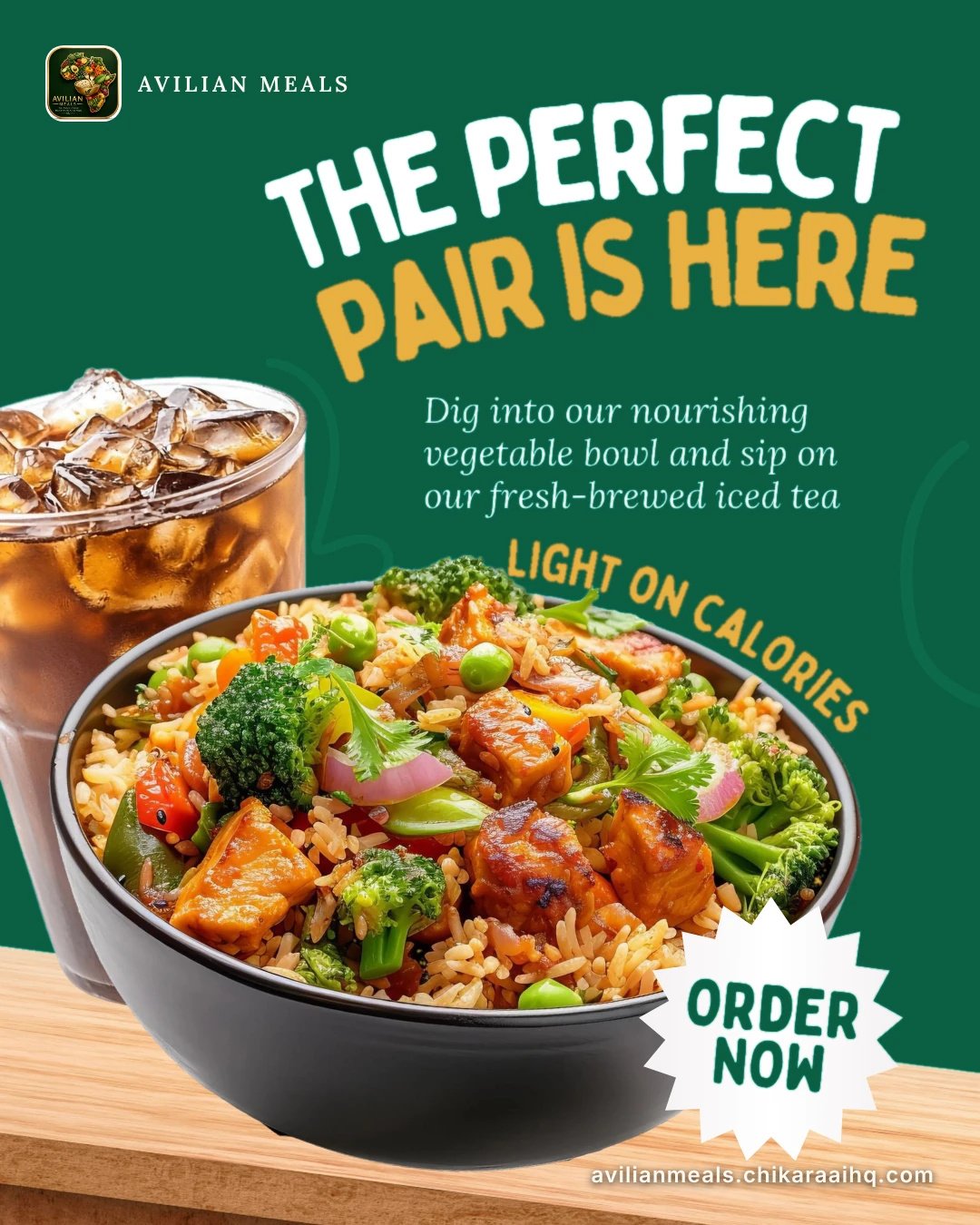
 Original 535 KB
Optimized 163 KB
See it
Same picture. A fraction of the weight.
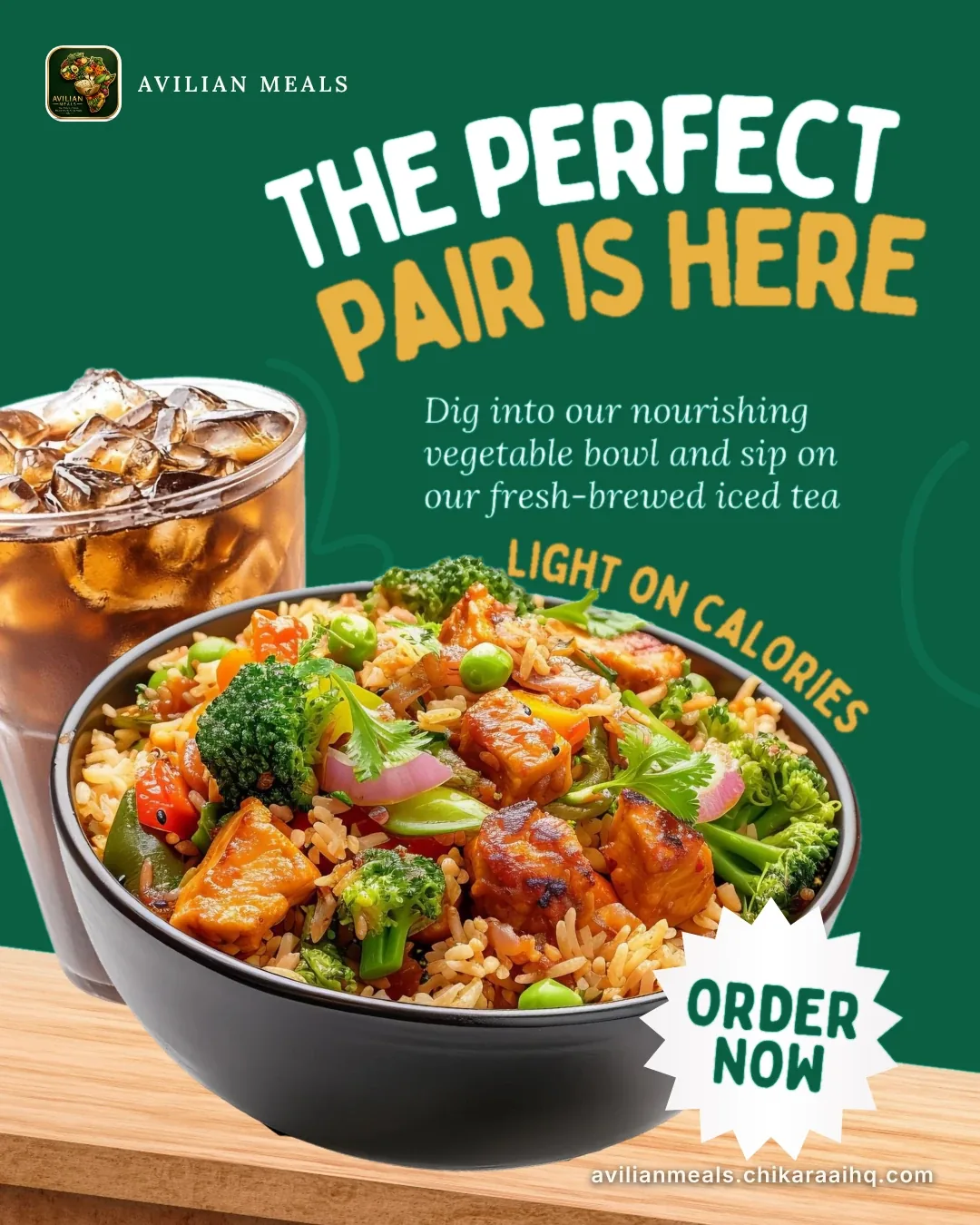
Drag the handle, or use the arrow keys. Left is the original, right is what the app's Web preset produces.

 Original 355 KB
Optimized 100 KB
Sample: a real marketing image, saved as a high-quality JPEG, then re-encoded with the Web preset (WebP, quality 82). That is 72% smaller. Camera photos usually save more; screenshots and files that are already small save less.
Savings estimator
What would you get back?
An estimate, not a promise. It assumes the app shrinks a photo by 85%, a little under the sample above.
850photos
Fits about 3 photos before, about 20 after.
Nothing here is a price. The app is free, so there is no cost to compare. The numbers only show storage and sending size.
How it works
Three steps, no learning curve
STEP 01
Add your photos
Drop a batch or a whole folder, or tap to browse. JPEG, PNG, WebP, AVIF and iPhone HEIC all work.
STEP 02
Pick what it is for
Choose Web, Email, WhatsApp, Phone storage or Print, or set an exact limit such as "under 200 KB".
STEP 03
Check and save
Compare before and after, then save one by one or as a single ZIP with a savings report.
What is inside
Built for big photo folders
A small, focused tool that does one job and says plainly where its limits are.
01
iPhone HEIC, built in
The HEIC decoder ships inside the app and runs on your device. It loads only when you add a HEIC photo.
02
Target file size
Ask for "under 200 KB" and the app searches for the best quality that fits. Useful for forms, portals and WhatsApp.
03
Six ready presets
Web (1920 px), Email (about 500 KB), WhatsApp (about 200 KB), Phone storage, Print preview and a 200 KB target.
04
Folders and ZIP
Drop a folder and every image inside is picked up. Export one ZIP with correct file names, accents and all.
05
Look before you save
A side-by-side inspector shows the original and the result, plus a savings report for the whole batch.
06
Installs like an app
Add it to your home screen or desktop. After the first visit it opens with no internet, and updates only when you tap Reload.
Privacy
Your photos never leave your device
Every photo is read, shrunk and saved inside your own browser. There are no accounts, no tracking, and no third-party fonts or scripts on this page or in the app.
What stays on your device
- Every photo, before and after
- Your settings and recent history
- The HEIC decoder and fonts, saved for offline use
Honest limits
- Photos are processed one at a time, so a batch of several hundred can make the page feel busy until it finishes.
- Location and camera details are not kept, because each photo is re-encoded.
- "Lossless" is near-lossless for JPEG. WebP and PNG offer true lossless.
Install
Keep it one tap away
The app lives at imageoptimizer.chikaraaihq.com/app. Open it once with internet, then install.
Android Chrome
Menu, then Install app.
iPhone Safari
Share button, then Add to Home Screen. iPhones never show an install pop-up, so this is the only way.
Computer
Click the install icon in the address bar, or the browser menu, then Install.
Opened from WhatsApp or Facebook?
Those windows cannot install apps. Copy the link and open it in Chrome or Safari.
Nothing shows up? Check the address starts with https://, reload once, wait about ten seconds, then try the menu again. Or open the app with the steps ready.
Free to use
No paywall, no locked features
Everything in the app is open to everyone. If it gave your phone some breathing room, the nicest reply is to tell us, or to pass it on to someone whose storage is full.
Tell us what worked
Write to support@chikaraaihq.com with the photo type, the device and what you wanted.
Share it
Send the link to a relative with a full phone. It costs them nothing and uses no data after the first load.
Report a problem
If a file will not shrink or a HEIC will not open, email us the device and browser and we will look.
Ready when you are
Give your storage some room
Open the app, drop a folder, and see the savings before you save a single file.
Open Image Optimizer